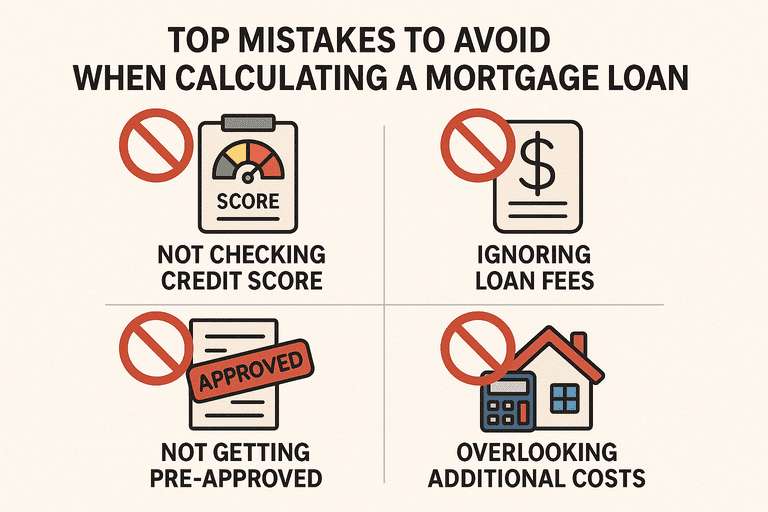
Calculating your mortgage payment is one of the most important steps in the homebuying process. But it’s easy to make mistakes—especially if you’re doing the math manually or relying too heavily on online tools. To avoid costly surprises, you need to know where most borrowers slip up. For a complete overview of the mortgage calculation process, start with our Calculating a Mortgage Loan Guide, then use this article to make sure you avoid the most common calculation errors.
1. Forgetting to Include Taxes and Insurance
A classic mistake is calculating only the principal + interest (P+I) using the mortgage formula. In reality, your monthly payment often includes property taxes and homeowners insurance, usually collected in an escrow account by your lender.
➡️ Tip: Always add your annual taxes and insurance, then divide by 12 to find the monthly amount. Add this to your base payment for a true estimate.
2. Overlooking Private Mortgage Insurance (PMI)
If your down payment is less than 20%, lenders typically require PMI—an extra monthly cost that protects the lender if you default. PMI can range from 0.3% to 1.5% of your loan balance annually, which can add $50–$200+ to your monthly payment.
➡️ Tip: When calculating your mortgage, include PMI until you reach 20% equity. At that point, you can often request removal.
3. Mixing Up APR and Interest Rate
Interest rate affects your monthly principal and interest.
APR includes lender fees and gives a clearer picture of total borrowing costs.
➡️ Mistake to avoid: Using the APR in the PMT formula—this will overstate your monthly payment. Always use the interest rate ÷ 12 when doing calculations.
4. Misusing the Excel PMT Function
Excel’s PMT function makes mortgage math easier, but errors are common:
Forgetting to divide the annual rate by 12 for monthly payments.
Entering the loan amount as a positive number (it must be negative to display a positive payment).
Using total loan term months incorrectly.
➡️ Tip: For a $250,000 loan, 30 years, 6% interest, the correct formula is:
5. Ignoring the Impact of Loan Term
Some borrowers calculate only the monthly payment, overlooking how the loan term changes total cost.
Example:
30-Year Loan @ 6%: ~$1,499/month, ~$289,595 total interest.
15-Year Loan @ 5.5%: ~$2,042/month, ~$117,533 total interest.
➡️ Mistake to avoid: focusing only on affordability today, without considering long-term savings.
6. Not Accounting for Extra Payments
Many borrowers don’t realize how much extra principal payments can change their loan calculations.
➡️ Example: Paying $200 extra each month on a $250,000 loan at 6% can cut the term by 6 years and save over $70,000 in interest.
7. Relying Only on Online Calculators
Mortgage calculators are convenient, but:
Some don’t include taxes, insurance, or PMI.
Small differences in inputs can produce very different results.
➡️ Tip: Use calculators as a starting point, but always double-check with manual formulas or an Excel sheet for accuracy.
Conclusion
Small mistakes in mortgage loan calculations can lead to major financial surprises. Forgetting to include taxes, PMI, or closing costs—and misusing formulas—can make your payment seem lower than it really is. By carefully accounting for all costs and validating results with both manual formulas and digital tools, you’ll get a much clearer view of your true mortgage payment.