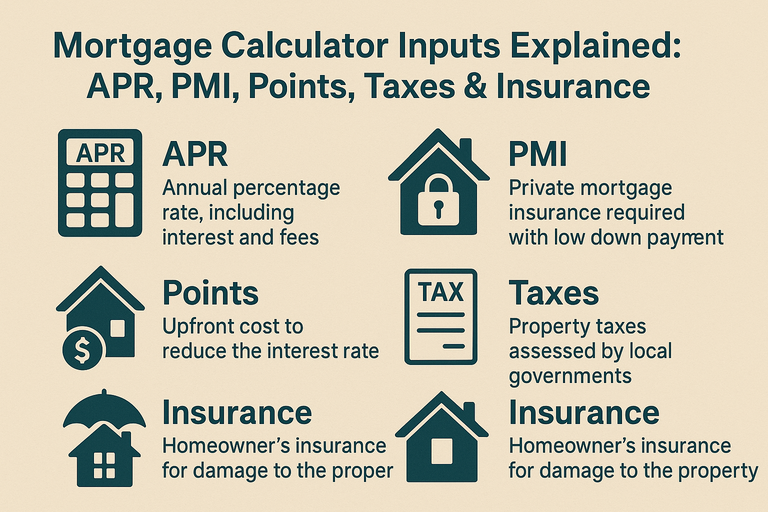
A mortgage calculator is only as accurate as the numbers you feed it. This guide demystifies each input so you can model payments with confidence—and make smarter decisions before you lock your loan.
Ready to run the numbers? Use our Mortgage Calculator
Core loan inputs
Home price & down payment
Home price: Contract price (or target budget).
Down payment: As a % or $. Affects loan amount and whether PMI applies.
Tip: If you’re under 20% down, add PMI (below). If you’re at or above 20%, PMI typically isn’t required.
Loan amount
Calculated as price – down payment (plus/minus any credits at closing). This is what interest accrues on.
Interest rate vs APR
Rate: The nominal interest charged on the loan. This drives your P&I payment.
APR: Wraps in certain financed fees to reflect total borrowing cost. Use rate for payment modeling; consider APR for apples-to-apples lender comparisons.
Related: Mortgage Rate Calculator
Escrow & carrying costs
Property taxes (annual)
Input your annual local property tax. The calculator will convert to a monthly amount.
Where to find it: County assessor’s site, MLS listing, or seller’s tax bill.
Note: New construction or reassessment can change this after closing.
Homeowner’s insurance (annual)
Use the annual premium quote from your insurer or agent. Converted to a monthly amount in escrow.
HOA dues (monthly)
If applicable, add monthly HOA fees. Don’t forget master insurance embedded in condo dues when comparing to single-family homes.
Mortgage insurance
PMI (private mortgage insurance)
Typically required with < 20% down on conventional loans.
Enter annual PMI % of loan amount (e.g., 0.5%).
Good calculators remove PMI once your balance hits ~80% LTV (based on original value). Confirm your servicer’s rules for early cancellation.
Tools: PMI Calculator, Mortgage with PMI, Taxes & Insurance
FHA MIP (for FHA loans)
FHA uses MIP instead of PMI—both upfront and annual. Use an FHA-specific calculator if you’re modeling FHA.
See: FHA Mortgage Calculator
Strategies & “what-ifs”
Points (discount points)
What they are: Upfront fees to lower your interest rate (e.g., 1 point = 1% of loan).
When they help: If monthly savings exceed the upfront cost within your break-even horizon.
How to model: Compare with points vs without points scenarios.
Guide: Mortgage Points: Buy Down the Rate
Extra principal payments
Enter a monthly or annual extra amount to see interest savings and a new payoff date.
Common tactic: Make one extra payment per year (divide by 12 and add monthly).
Try: Extra Payment Mortgage Calculator and Mortgage Payoff Calculator
Closing costs
Calculators focus on monthly payments; they don’t always show cash to close. Ask your lender for a Loan Estimate and factor that into your decision (especially when comparing points).
Example: Putting it all together
Price: $450,000 | Down: 10% | Loan: $405,000
Rate: 6.75% | Term: 30 years
Taxes: $4,800/yr | Insurance: $1,800/yr | HOA: $75/mo
PMI: 0.60% annually (drops near 80% LTV)
The calculator returns:
P&I: ≈ $2,628/month
Escrow (tax+ins+HOA+avg PMI): ≈ $650–$750/month
All-in payment: ≈ $3,280–$3,380/month
PMI removal: typically year 6–9 depending on amortization and extra principal.
(Numbers approximate; use your quotes for accuracy.)
FAQ
Do I enter APR or interest rate in a calculator? Use the interest rate for monthly payment modeling; use APR to compare offers.
Why is my payment higher than the calculator shows? Your escrow (taxes/insurance/HOA) or PMI may be higher than estimated, or your lender’s quote includes different assumptions.
When does PMI end? Often when your balance reaches ~80% LTV, subject to servicer rules and written request.